
The parcel machine address is selected during checkout in the “Delivery methods” section.
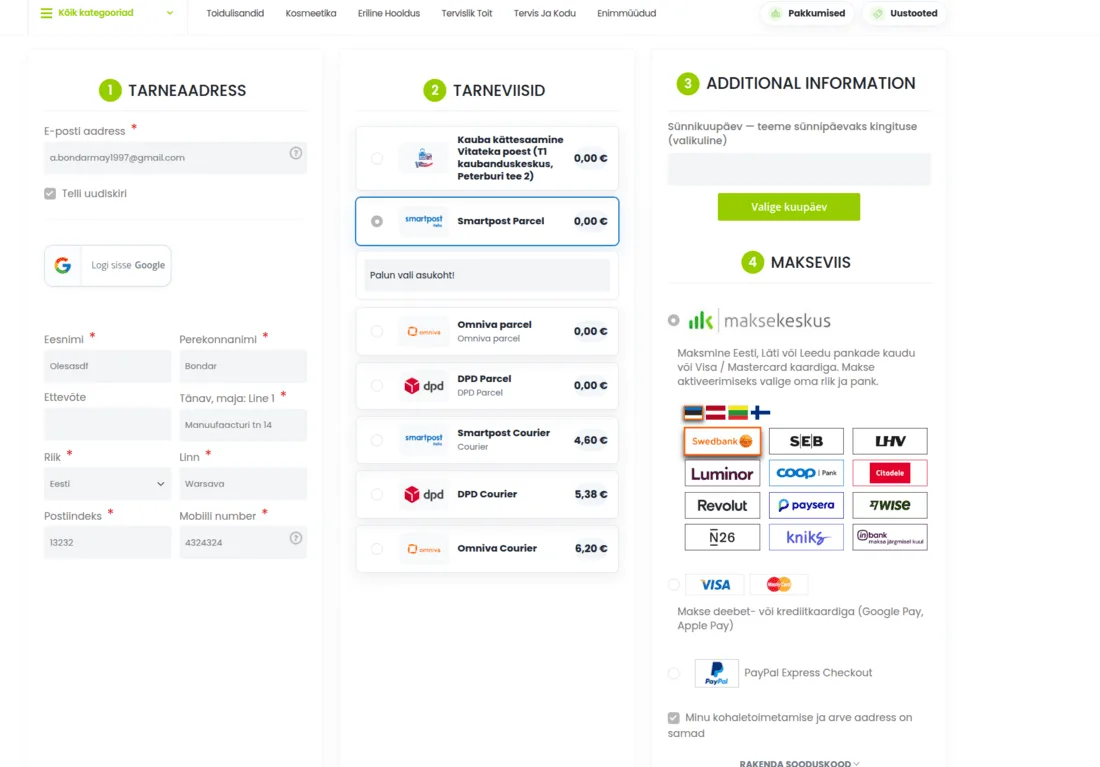
1. Select delivery to a parcel machine
Choose a suitable delivery method:
- Smartpost Parcel;
- Omniva parcel;
- DPD Parcel.
After you select a delivery method, a field with the text “Please select a location!” appears beneath it. Click on this field to open the list of parcel machines for the selected service provider.
2. Choose a suitable parcel machine
From the list, choose a parcel machine that suits you by city and address. Before continuing, check that the selected location is correct.
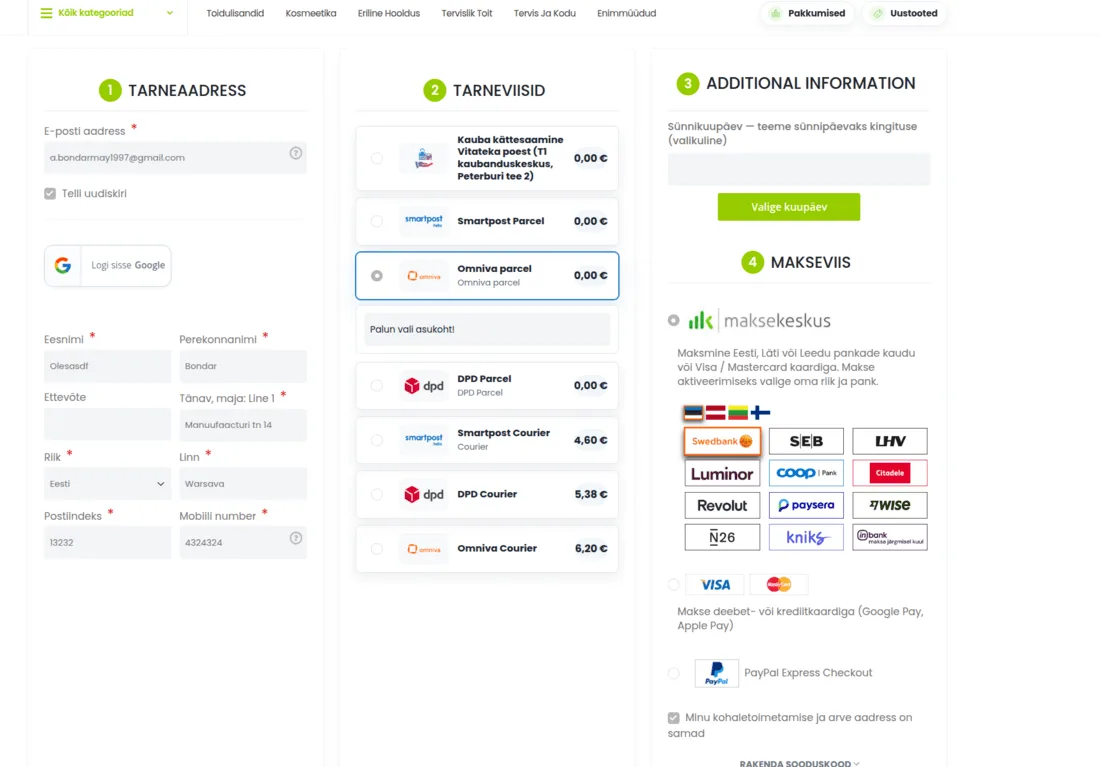
3. When changing the delivery method, select the location again
If you switch between Smartpost, Omniva and DPD, the parcel machine selection field appears again. Click on it and choose a suitable parcel machine for the new delivery method.
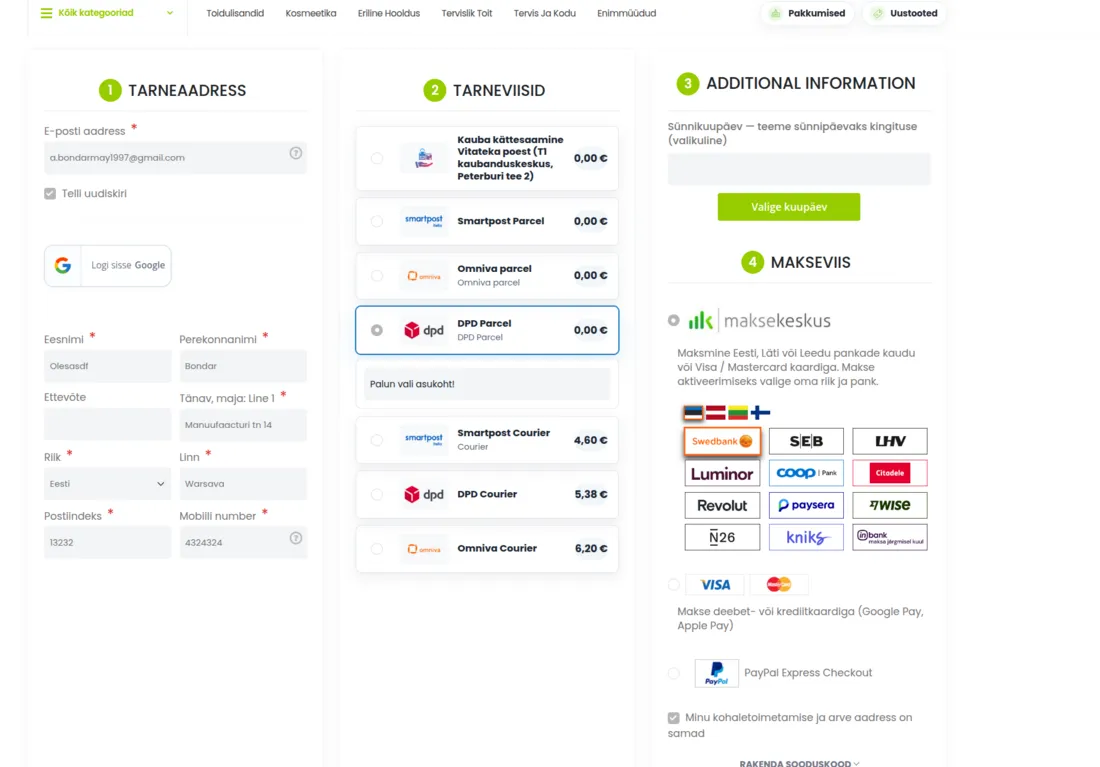
Important
A parcel machine address is selected separately for each delivery method. If you first chose, for example, Omniva and then DPD or Smartpost, you must select the parcel machine again for the new service provider.
If the parcel machine selection field does not appear, click on the desired delivery method again or refresh the page. Do not proceed to payment before a parcel machine has been selected, otherwise the checkout may not be completed.